

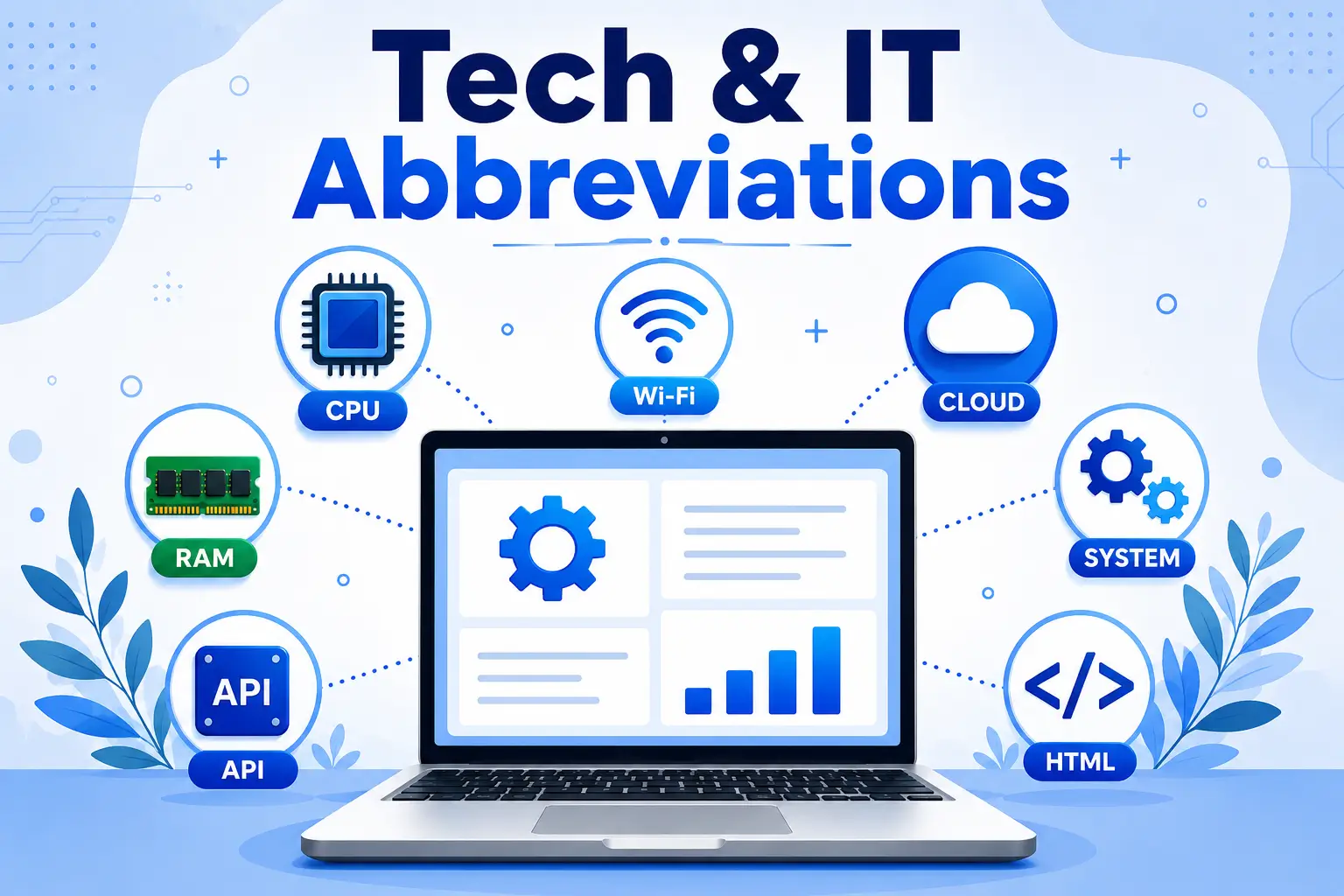
Direct Answer: What Tech & IT Abbreviations Mean
Tech & IT abbreviations are shortened forms of longer technical terms — like CPU (Central Processing Unit) or API (Application Programming Interface) — used to describe computer hardware, software, networks, and digital services more quickly. In other words, they exist because IT professionals need fast, precise shorthand for concepts that would otherwise take a full sentence to explain, and understanding the most common tech & IT abbreviations makes it far easier to follow tech conversations at school, at work, or when troubleshooting a device.
Why Tech & IT Abbreviations Exist in the First Place
Anyone who has sat in a meeting and heard someone say “just check the API logs” or “we’re moving that to SaaS” knows the feeling: everyone else nods, and you’re left guessing. However, tech & IT abbreviations aren’t used to sound smart or to exclude beginners — they exist because typing “Application Programming Interface” fifteen times in one document gets tedious fast, and IT teams needed a shared shorthand that saves time in code comments, support tickets, product specs, and everyday conversation.
In the United States, for instance, these abbreviations show up constantly:
- In schools, where students use laptops running an OS (Operating System) connected to a school’s LAN (Local Area Network).
- In offices, where IT support tickets reference RAM, SSDs, or VPN access.
- At home, where a router’s settings page talks about IP addresses, DNS, and Wi-Fi standards.
- On phones, where SMS, LTE, and 5G determine how a message actually reaches someone.
Once you know what the letters stand for, the whole ecosystem stops feeling like a locked door and starts feeling like a set of familiar tools. That, ultimately, is the entire point of learning tech & IT abbreviations in the first place.
What Does “IT” Stand For in Tech & IT Abbreviations?
Before diving into individual terms, it’s worth answering the question that brings a lot of people to this page: IT stands for Information Technology — the broad field covering computers, networks, software, and the systems that store, process, and transmit digital information. Because of this, nearly every one of the tech & IT abbreviations covered below falls somewhere under that umbrella.
Basic Computer Tech & IT Abbreviations and What They Stand For
These are, for example, the terms you’ll see on a spec sheet the moment you shop for a laptop or desktop.
| Abbreviation | Full Form | What It Actually Does |
|---|---|---|
| CPU | Central Processing Unit | The “brain” of the computer that executes instructions |
| RAM | Random Access Memory | Short-term memory used while programs are running |
| ROM | Read-Only Memory | Permanent memory that holds startup instructions |
| HDD | Hard Disk Drive | Traditional spinning-disk storage |
| SSD | Solid State Drive | Faster, chip-based storage with no moving parts |
| USB | Universal Serial Bus | The standard connector for external devices |
| OS | Operating System | The software (Windows, macOS, Linux) that runs everything else |
Specifically, when a laptop listing says “16GB RAM, 512GB SSD,” it means the machine can juggle a lot of open programs at once (RAM) and, as a result, store files on fast, durable storage (SSD) rather than an older spinning hard drive.
Internet & Web Tech & IT Abbreviations Explained
These, in short, control how your browser finds and loads a website.
- URL — Uniform Resource Locator: the full web address, like
https://example.com. - HTTP — Hypertext Transfer Protocol: the rules browsers use to request and receive web pages.
- HTTPS — Hypertext Transfer Protocol Secure: the encrypted version of HTTP; the padlock icon in your browser bar means a site uses this.
- ISP — Internet Service Provider: the company that connects your home or office to the internet.
- DNS — Domain Name System: the system that translates a typed name like
google.cominto the numeric address computers actually use. - WWW — World Wide Web: the collection of websites and pages accessible over the internet.
By 2026, HTTPS is effectively the default across the web — most major browsers now flag plain HTTP sites as “Not Secure,” so, as a result, this abbreviation has shifted from a nice-to-have to a baseline expectation for any legitimate website.
Email & Communication Abbreviations
- SMTP — Simple Mail Transfer Protocol: handles sending email.
- POP — Post Office Protocol: downloads email to one device and, typically, removes it from the server.
- IMAP — Internet Message Access Protocol: syncs email across multiple devices, which is why most modern email apps default to IMAP instead of POP.
- VPN — Virtual Private Network: encrypts your internet connection and can mask your location, so it’s widely used for both privacy and secure remote work.
Software & App Abbreviations and Their Full Forms
- UI — User Interface: everything you see and click on screen.
- UX — User Experience: how the product feels to use, beyond just how it looks.
- API — Application Programming Interface: a set of rules that lets two different pieces of software talk to each other (for example, a weather app pulling data from a weather service’s API).
- IDE — Integrated Development Environment: software developers use to write, test, and debug code in one place (VS Code and JetBrains tools are common examples in 2026).
Not all “text tools” are for developers, though. For instance, if you’re formatting text for a bio, caption, or presentation, browser-based tools like a small text generator or a cursed text generator let you restyle text without touching a line of code.
Computer Hardware Abbreviations
- GPU — Graphics Processing Unit: originally built for rendering images and video, now also central to AI and machine learning workloads.
- PSU — Power Supply Unit: converts wall electricity into power the computer’s components can use.
- BIOS — Basic Input Output System: the low-level software that starts a computer before the OS loads.
- CMOS — Complementary Metal Oxide Semiconductor: the chip that stores BIOS settings and keeps the system clock running, even when the computer is off.
Networking Abbreviations Used in the USA
- LAN — Local Area Network: a network confined to one building, like a home or office.
- WAN — Wide Area Network: a network that spans a larger geographic area, connecting multiple LANs.
- MAN — Metropolitan Area Network: a network scaled to a city.
- IP — Internet Protocol: the addressing system that lets devices find each other online.
- MAC — Media Access Control: a unique hardware address assigned to a device’s network adapter.
Cloud & Storage Abbreviations

Cloud terminology, in fact, has become part of everyday business language, not just IT departments:
- SaaS — Software as a Service: software you access through a browser or app instead of installing (think Google Workspace or a subscription tool).
- PaaS — Platform as a Service: a cloud platform developers use to build and deploy apps without managing the underlying servers.
- IaaS — Infrastructure as a Service: rented computing infrastructure — servers, storage, networking — from providers like AWS, Azure, or Google Cloud.
- DB — Database: a structured collection of data that software reads from and writes to.
Security Abbreviations Explained
Security terms, therefore, matter more than ever now that most accounts hold sensitive personal or financial data.
- MFA — Multi-Factor Authentication: requiring two or more proofs of identity to log in.
- 2FA — Two-Factor Authentication: a specific, common form of MFA using exactly two factors (like a password plus a text code).
- SSL — Secure Sockets Layer: the original encryption protocol for securing web traffic, now largely replaced by TLS.
- TLS — Transport Layer Security: the modern, more secure successor to SSL; when people say “SSL certificate” today, they usually mean TLS under the hood.
Mobile Technology Abbreviations and Their Meanings

- SMS — Short Message Service: standard text messages.
- MMS — Multimedia Messaging Service: texts that include photos, video, or audio.
- LTE — Long Term Evolution: the mobile data standard widely known as “4G LTE.”
- 5G — Fifth Generation Network: the current generation of mobile network technology, offering faster speeds and lower latency than 4G/LTE, and now standard on most new phones sold in the US.
Texting itself, similarly, has its own shorthand culture that sits right alongside tech & IT abbreviations. If you’ve ever gotten a text and wondered what it meant, guides like what WYLL means in text and how to reply, WYW meaning in text from a guy, and IYKYK meaning explained break down that side of the shorthand world in the same plain-English style.
Programming Language Abbreviations
- HTML — HyperText Markup Language: the basic structure of every webpage.
- CSS — Cascading Style Sheets: controls how that structure looks (colors, spacing, fonts).
- JS — JavaScript: adds interactivity and dynamic behavior to websites.
- SQL — Structured Query Language: the standard language for querying and managing databases.
Data & Analytics Abbreviations Explained Simply
- AI — Artificial Intelligence: computer systems built to perform tasks that typically require human reasoning.
- ML — Machine Learning: a subset of AI where systems improve at a task by learning from data rather than following fixed rules.
- IoT — Internet of Things: everyday physical devices (thermostats, doorbells, appliances) connected to the internet.
- KPI — Key Performance Indicator: a measurable value used to track how well a goal is being met.
Office & IT Support Abbreviations
- IT — Information Technology
- HR — Human Resources
- CRM — Customer Relationship Management: software for tracking customer interactions and sales.
- ERP — Enterprise Resource Planning: software that integrates core business processes like finance, HR, and supply chain into one system.
FAQ Abuot Tech & IT Abbreviations
What does “IT” stand for in tech?
IT stands for Information Technology, the general field covering computers, networks, and digital systems used to store and process information.
What is the difference between HTTP and HTTPS?
HTTPS is, essentially, the encrypted, secure version of HTTP. Because of this, sites using HTTPS protect data sent between your browser and the website, which is why browsers flag non-HTTPS sites as insecure.
What does API stand for and why does it matter?
API stands for Application Programming Interface. In short, it lets two different apps or services exchange data automatically, which is how most modern apps connect to outside information like maps, weather, or payment systems.
Is SSD better than HDD?
Yes, for most everyday use. Specifically, an SSD (Solid State Drive) reads and writes data much faster than an HDD (Hard Disk Drive) because it has no moving parts, though HDDs still offer more storage per dollar for large archives.
What’s the difference between 2FA and MFA?
2FA (Two-Factor Authentication) always uses exactly two verification steps. MFA (Multi-Factor Authentication) is the broader term and can involve two or more steps, so all 2FA is MFA, but not all MFA is 2FA.
How to Learn Tech & IT Abbreviations Faster
- Keep a running list of terms you encounter and, ideally, look up the ones you don’t know the same day.
- Group related terms together (storage terms, network terms, security terms) instead of memorizing them randomly.
- Use each new term in a sentence out loud — active recall, after all, sticks better than passive reading.
- Revisit a glossary like this one periodically, since new abbreviations (and new generations of existing ones, like 5G) keep appearing as technology evolves.
- Mix in some lighter practice, too — for example, if what “pookie” means and why people use this cute nickname or what “gyatt” means explained simply sound unfamiliar too, running through a few slang terms alongside tech ones keeps the habit of “look it up, don’t skip it” consistent. A quick random letter generator can even help if you want to build practice flashcards or random test strings while you’re at it.